Do the security work at home, on your own network: update everything, back up your phone, turn on Find My, save your two-step verification backup codes, and install and test your VPN before you leave — some countries block VPN websites, so downloading one on arrival can be difficult.

One week before
- Update your phone, laptop and apps. Large updates are slow on hotel Wi‑Fi, and they fix known security holes.
- Back up your phone. Use iCloud, Google One or your computer, so a lost phone doesn’t mean lost photos.
- Turn on device finding. Find My on Apple devices, Find Hub (formerly Find My Device) on Android.
- Check your passcode. Use at least six digits, plus Face ID, Touch ID or fingerprint unlock.
- Save two-step verification backup codes for your email and bank, and store them somewhere other than your phone.
- Check how you’ll receive codes abroad. If your bank texts codes, make sure roaming works — or switch to an authenticator app.
The day before
- Install your VPN and sign in. Connect once at home to make sure it works.
- Download what you’ll need offline: boarding passes, maps, booking confirmations and translation packs.
- Set up a travel eSIM if you plan to use one, while you still have home Wi‑Fi.
- Charge a power bank so you don’t need public charging points.
- Save key numbers offline: your bank’s card-block line, your mobile carrier and your country’s embassy.
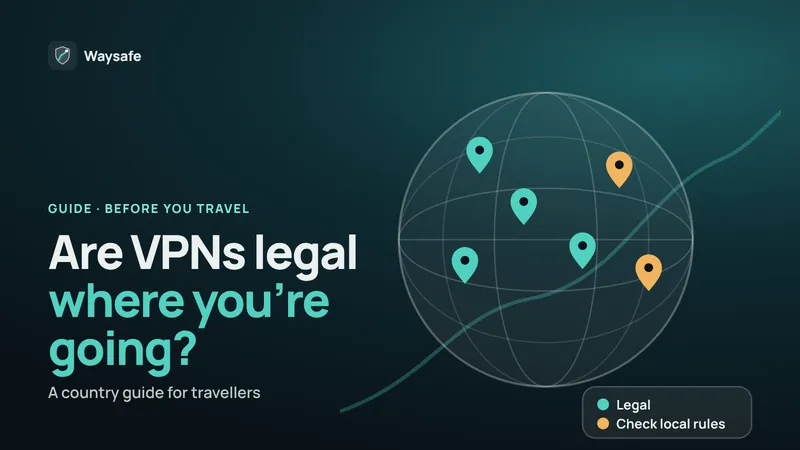
Related guide: Are VPNs legal where you’re travelling? A country guide
Waysafe encrypts your connection with one tap and doesn’t keep activity logs. Free trial in the app.


In transit
- Keep your screen locked and your phone out of reach on security belts.
- Set AirDrop and Bluetooth discovery to Contacts Only or off.
- Charge from a wall socket or power bank, not unknown USB ports.
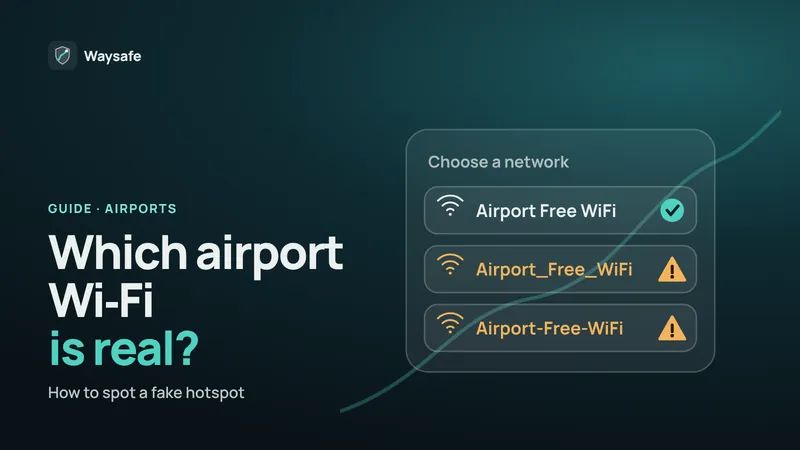
- Follow a short airport Wi‑Fi routine. Confirm the network, sign in, then connect your VPN.
Related guide: Airport Wi‑Fi security: how to spot a fake hotspot
When you arrive
- Confirm the hotel’s network name at reception before joining.
- Connect your VPN after the login page, not before.
- Avoid shared computers in hotel business centres for email or banking.
- Check local rules on VPNs if you are in a country that restricts them.
If your phone or laptop is lost or stolen
- Mark it as lost in Find My or Find Hub. This locks it and shows a contact message.
- Change your email password first, from another device, then other important accounts.
- Call your mobile carrier to block the SIM and prevent anyone using your number for verification codes.
- Tell your bank if banking apps were on the device.
- File a police report — most insurers need one.
Crossing borders with devices
Border officers in some countries can ask to inspect phones and laptops. Travel with only the data you need, sign out of apps you won’t use on the trip, and check your government’s travel advice for your destination. This is general information, not legal advice.
Frequently asked questions
Should I install a VPN before I travel?
Yes. Install it, sign in and test it at home. Some countries block VPN websites and app downloads, which makes setting one up on arrival harder.
Is it safe to use public USB charging ports?
The risk is low but easy to avoid. US agencies have warned about tampered ports, so use your own charger in a wall socket, a power bank, or a charge-only cable.
Do I need a travel eSIM?
It isn’t required, but local data is often cheaper than roaming and gives you a safer alternative to public Wi‑Fi for banking and work.
What happens to two-step verification codes if I use a local SIM?
Codes sent by text go to your home number. Keep your home SIM active (for example as a second line on a dual-SIM phone) or switch to an authenticator app before you leave.